4E
The Ultimate PvP Client
Dominate on DonutSMP and beyond
Features
Packed with powerful modules for every playstyle
Crystal
- Anchor Macro
- Auto Crystal
- Auto Hit Crystal
- Auto Inv Totem
- Auto Totem
- Double Anchor
- Hover Totem
Combat
- Elytra Swap
- HitBox
- Mace Swap
- Static HitBoxes
- Aim Assist
- Auto Clicker
- Criticals
- Velocity
- Kill Aura
- TriggerBot
- Fakelag
Misc
- Auto Eat
- Auto Firework
- Auto Mine
- Auto Tpa
- Auto Tool
- Cord Snapper
- Elytra Glide
- Fast Place
- Freecam
- Key Pearl
- Name Protect
- Weather Notifier
- Trident Boost
- Pearl Boost
- Coord Finder
- Packet Logger
- Quick Macro
Donut
- Chunk Finder
- Anti Trap
- Auction Sniper
- Auto Sell
- Auto Spawner Sell
- Bone Dropper
- Netherite Finder
- Rtp Base Finder
- RTP End Base Finder
- Shulker Dropper
- Tunnel Base Finder
- Spawner Protection
Render
- Animations
- FullBright
- HUD
- Kelp ESP
- NoRender
- Player ESP
- Storage ESP
- Swing Speed
- Target HUD
- Trident ESP
- Fake Stats
- Block ESP
Client
- 4E Settings
- Self Destruct
- Friendname
- Search Modules
Supported Launchers
Works with all your favorite launchers
Feather Launcher
Minecraft Launcher
Modrinth Launcher
Prism Launcher
... and many more!
Community Gallery
Screenshots from our community
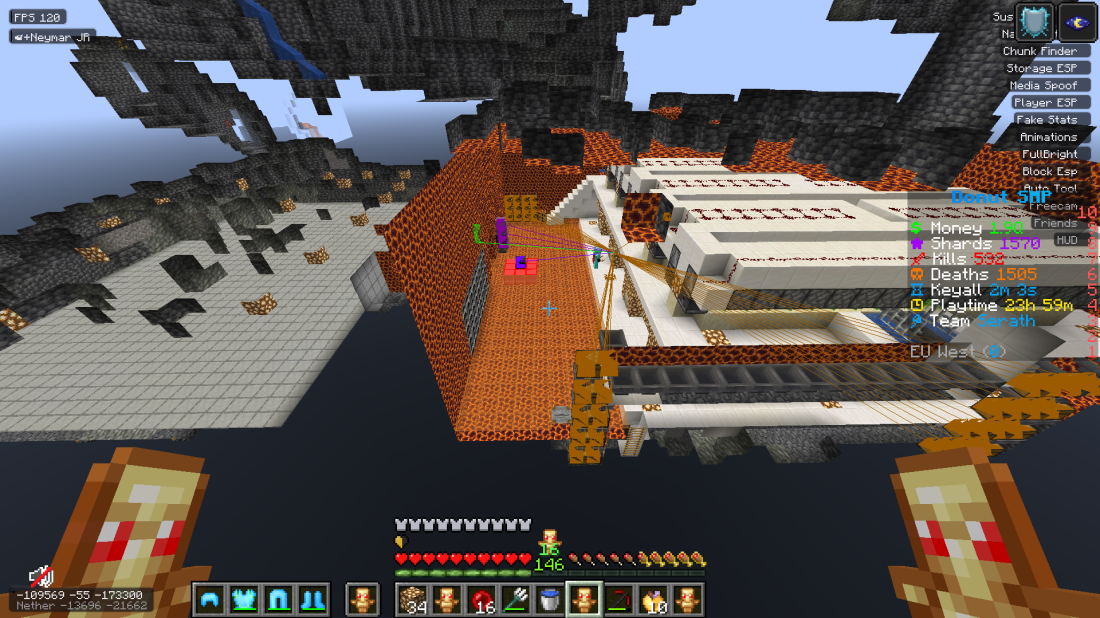
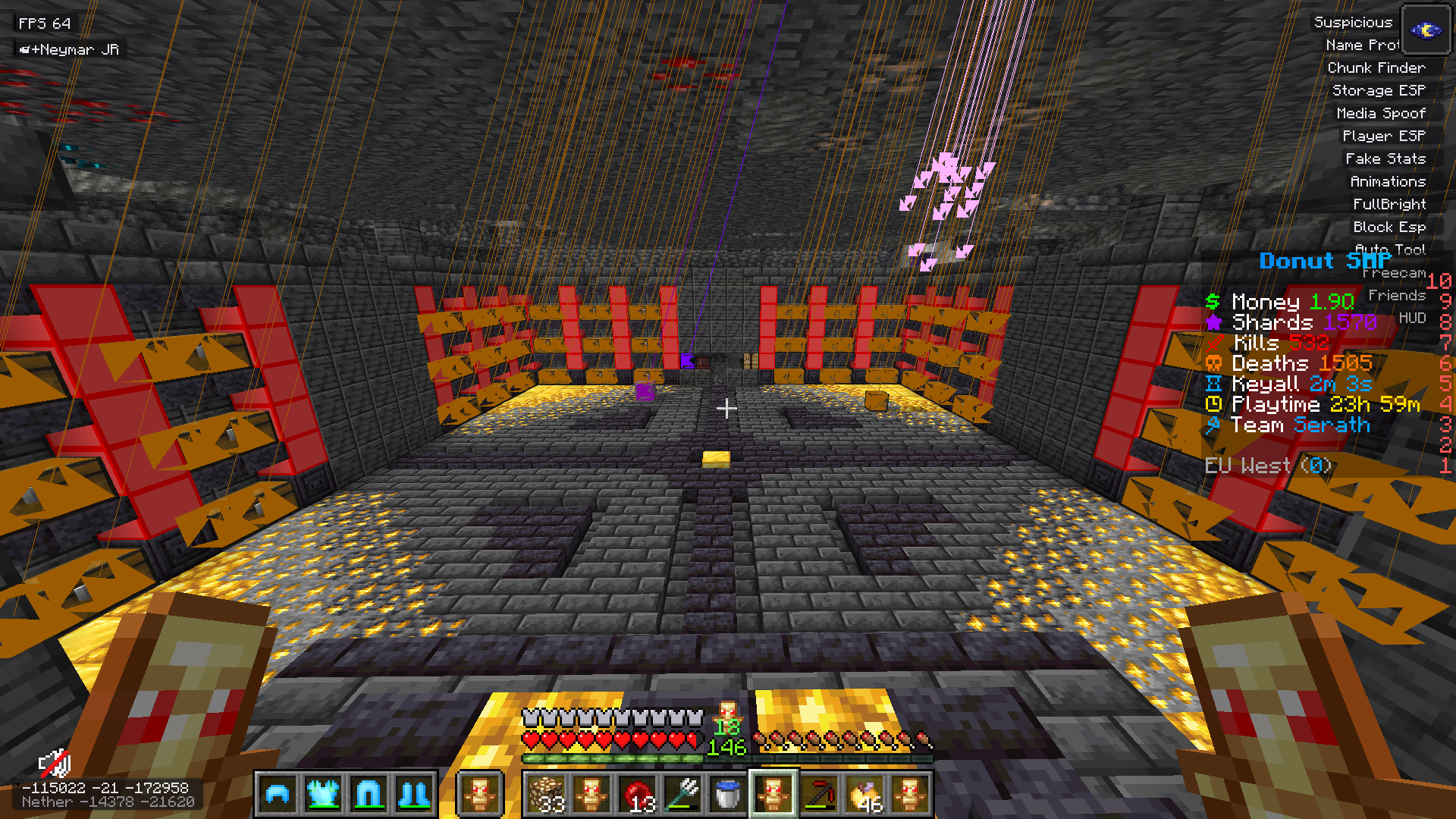
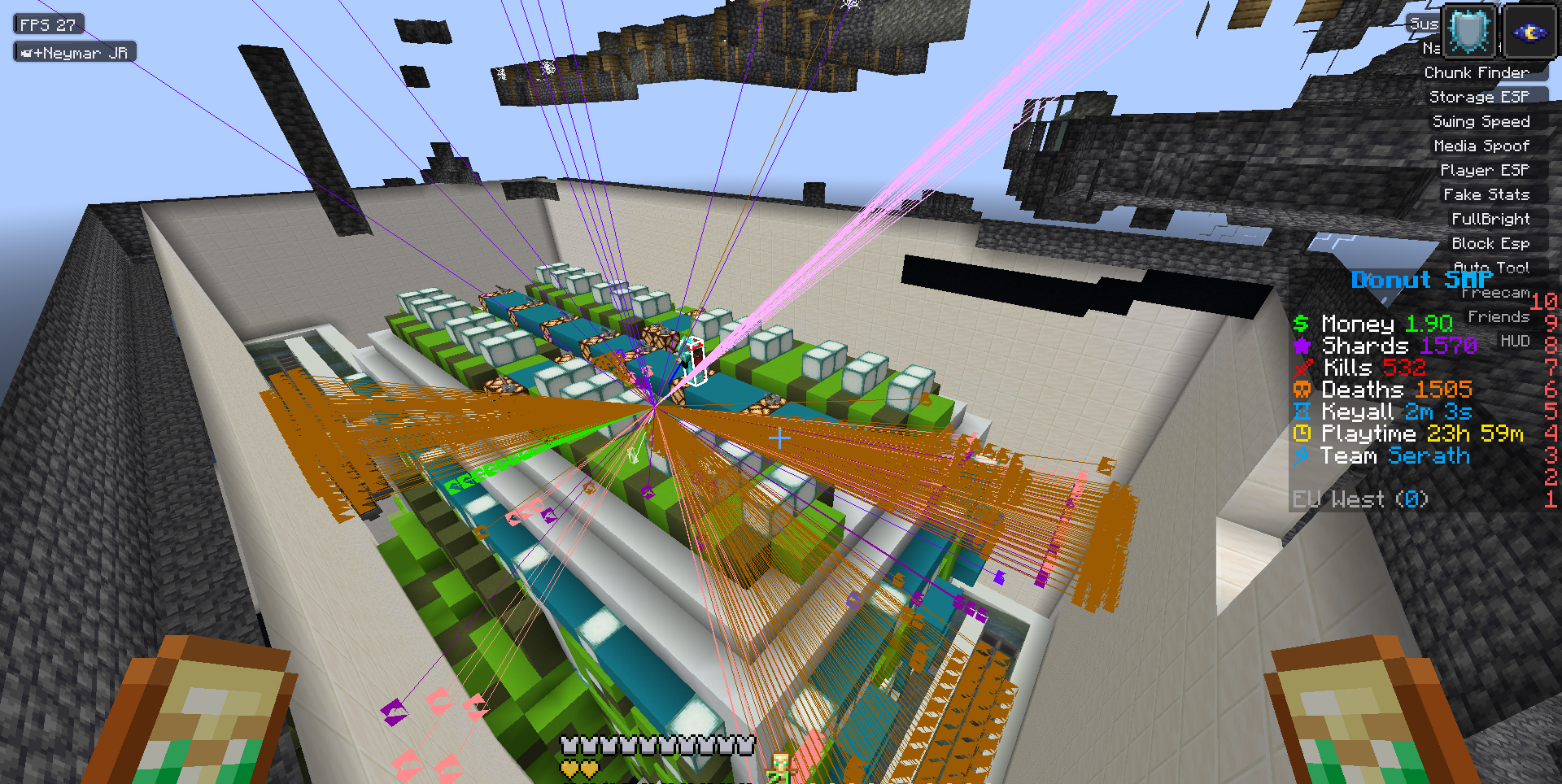
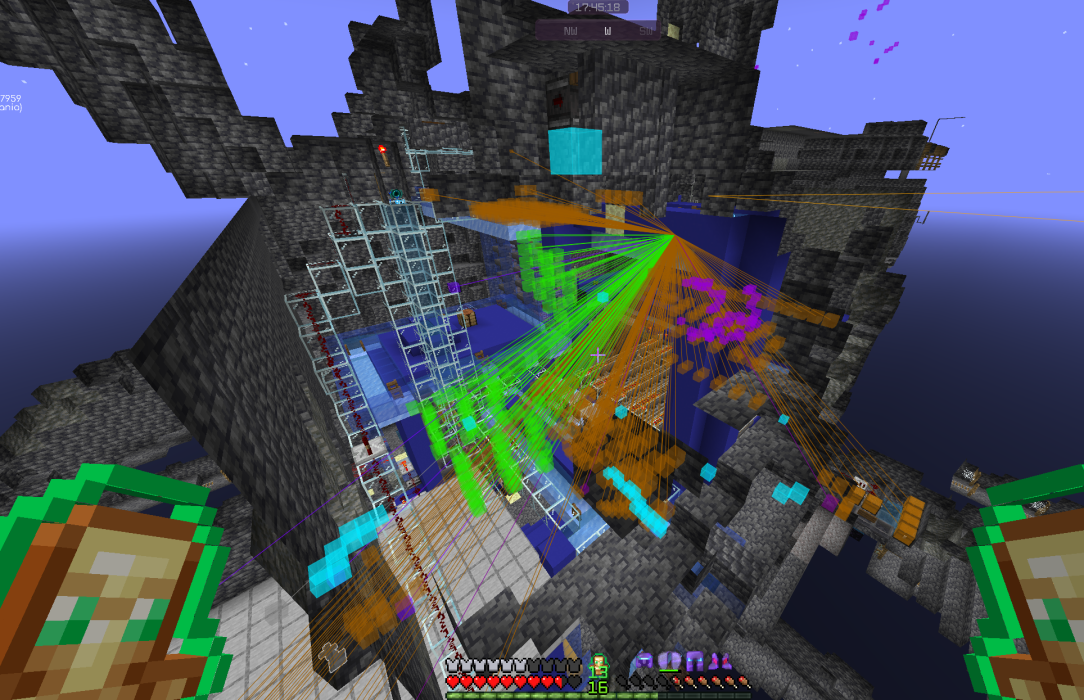
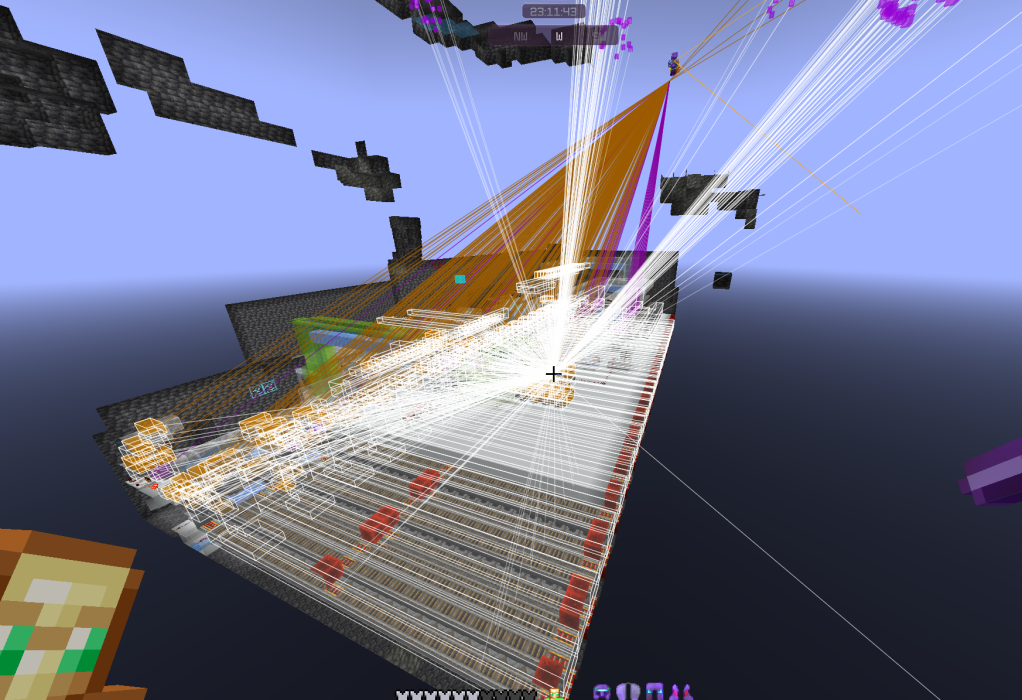
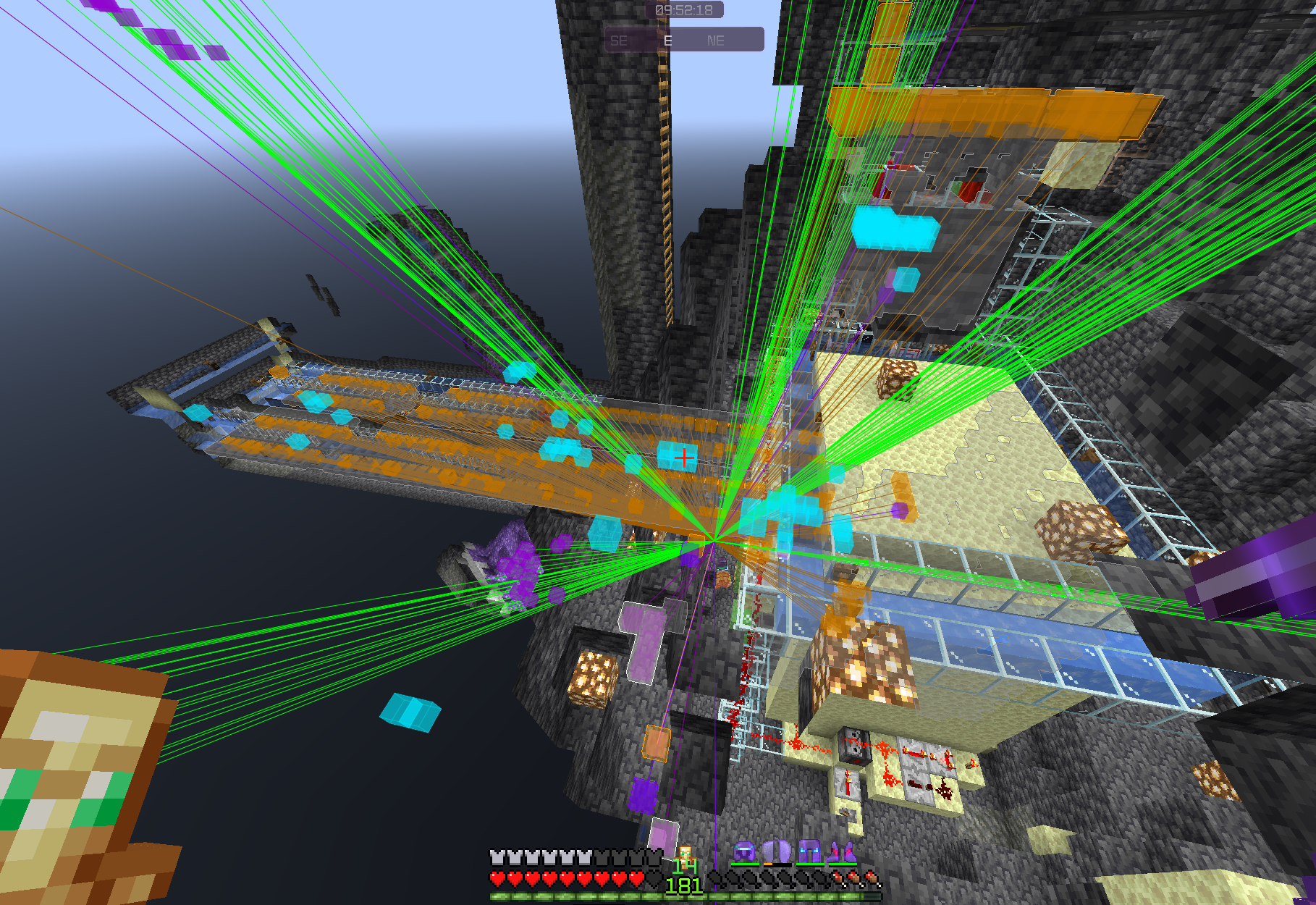
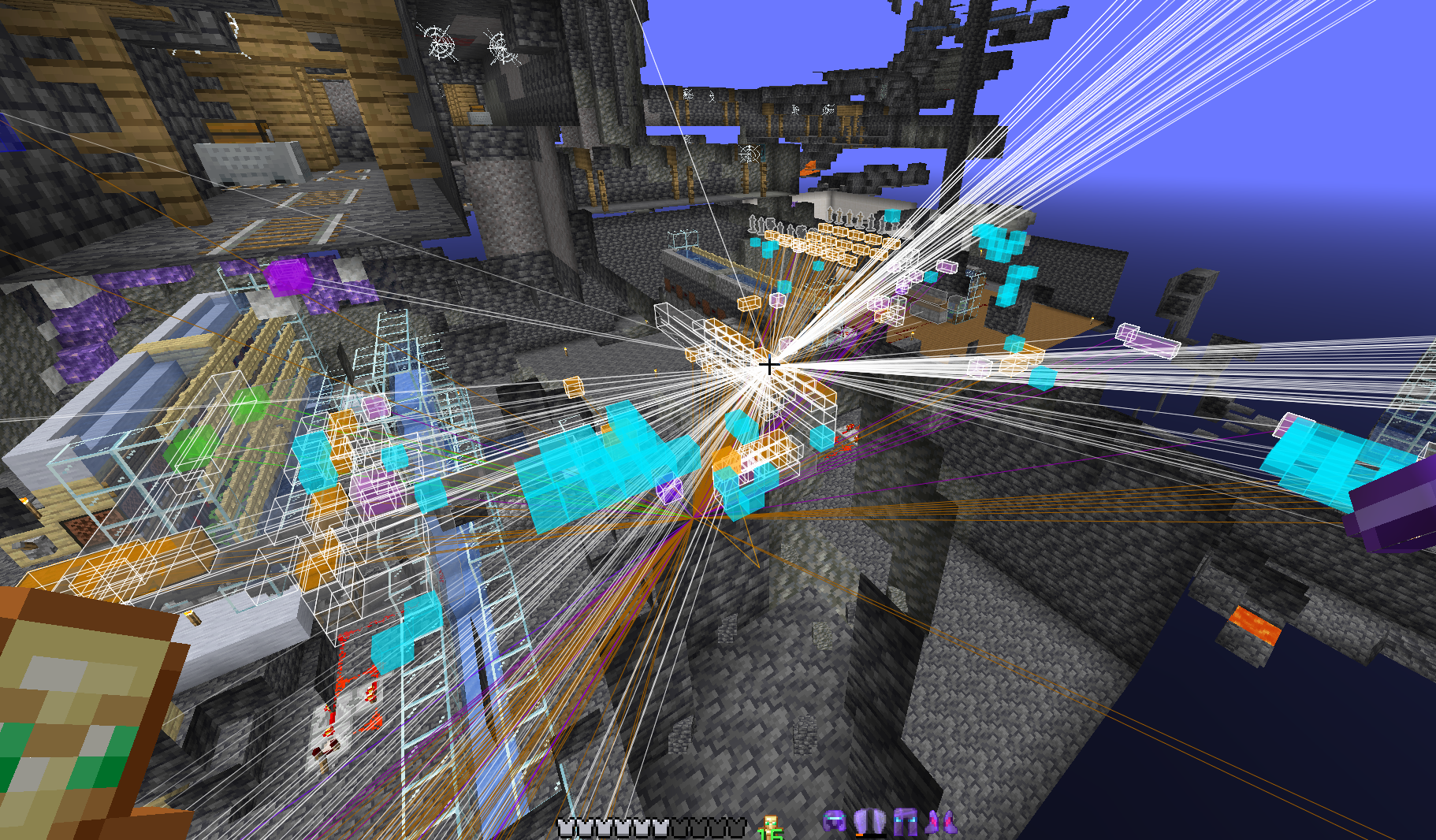
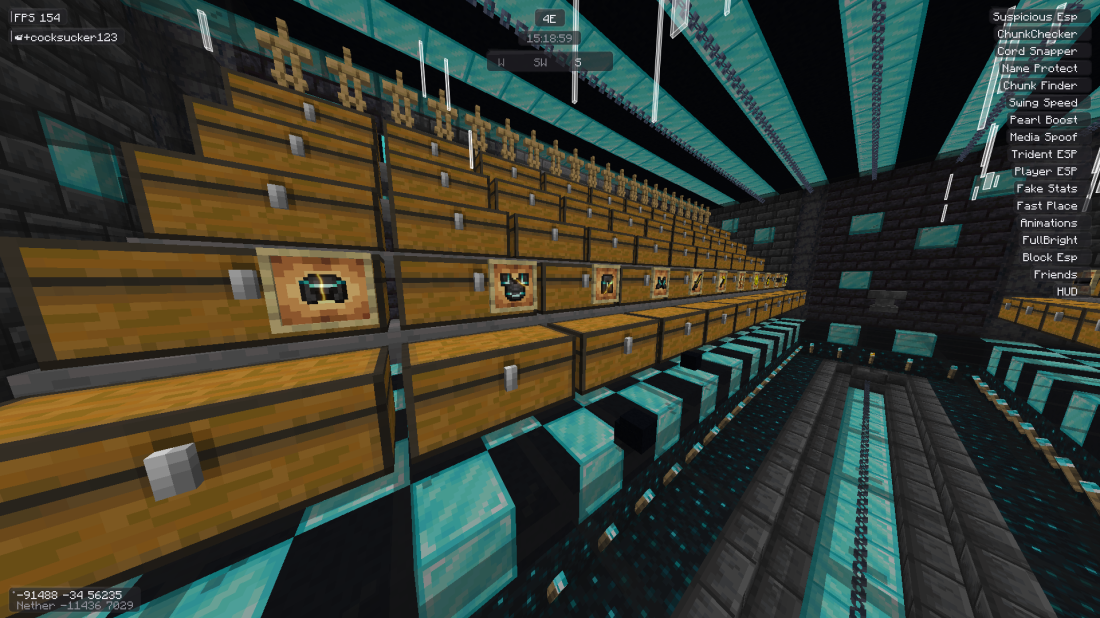
DonutSMP
The Best Client for DonutSMP
Perfectly tuned for maximum performance and the ultimate gaming experience on DonutSMP
Download NowDownload
Installation Guide
Install Fabric Loader
Download and run the Fabric Installer. Select Minecraft version 1.21-26.2 and click Install.
Download Fabric API
Get Fabric API for version 1.21-26.2 and place the .jar file in your mods folder.
Download 4E Client
Click the download button above to get the latest 4E Client .jar file.
Install 4E Client
Move the Client4E.jar file into your Minecraft mods folder:
%appdata%\.minecraft\mods
~/Library/Application Support/minecraft/mods
~/.minecraft/mods
Launch Minecraft
Open your Launcher, select the Fabric 1.21-26.2 profile and click Play. Press Right Shift in-game to open the 4E menu!
Required Downloads
You need these before installing 4E Client:
Join Our Community
Become part of the 4E Community on Discord!